






Tips for Creating a Relaxing and Productive Home Workspace
Creating a home workspace that balances relaxation and productivity can make a significant difference in your work-from-home experience. Whether you’re tackling daily tasks, attending virtual meetings, or brainstorming creative ideas, having a comfortable and well-organized space helps you stay focused and reduces stress. In this post, we’ll explore practical tips to help you design an ideal home workspace that encourages both calm and efficiency.
1. Choose the Right Location
Selecting the best spot in your home is the first step toward creating a productive workspace.
Consider natural light
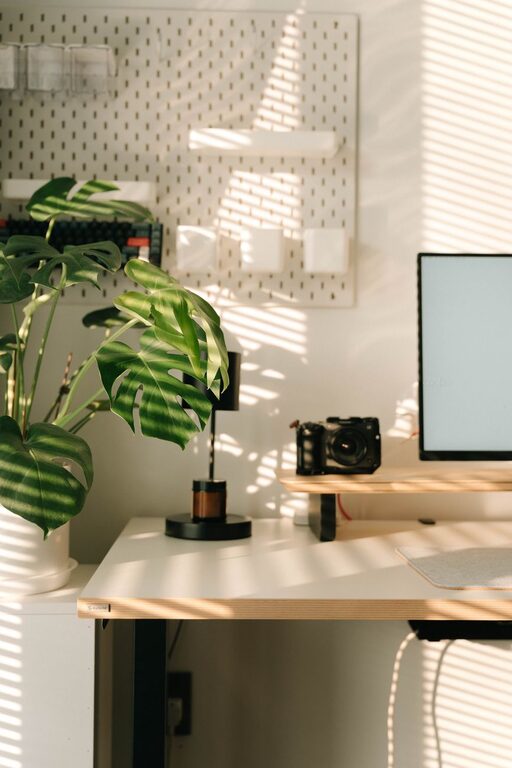
Natural light boosts mood and energy levels, so try to set up near a window if possible. Position your desk to avoid glare on your computer screen while still benefiting from sunlight.
Minimize distractions
Find a quiet corner or room where household noise is less likely to interrupt your concentration. If you don’t have a dedicated office room, consider using partitions or noise-canceling headphones.
2. Invest in Ergonomic Furniture
Comfort is key for both relaxation and productivity. Ergonomic furniture supports your body and helps prevent fatigue.
– Chair: Choose a chair with adjustable height, lumbar support, and comfortable cushioning.
– Desk: Pick a desk with enough surface area for your computer, notepads, and other essentials.
– Accessories: Footrests, adjustable monitor stands, or keyboard trays can further improve posture.
3. Keep Your Workspace Organized
A clutter-free space promotes clear thinking and reduces stress.
Use storage solutions
Shelves, drawers, and organizers help keep supplies and paperwork tidy. Label storage containers to find items quickly.
Adopt a simple daily routine
Set aside a few minutes each day to tidy your desk and put away items after use.
4. Personalize Your Space
Adding personal touches makes the workspace inviting and reduces tension.
– Decorate with plants to add greenery and improve air quality.
– Use artwork or photos that inspire and motivate you.
– Choose calming colors like soft blues, greens, or neutrals for walls and accessories.
5. Control Lighting and Temperature
Proper lighting and comfortable temperature influence your ability to focus.
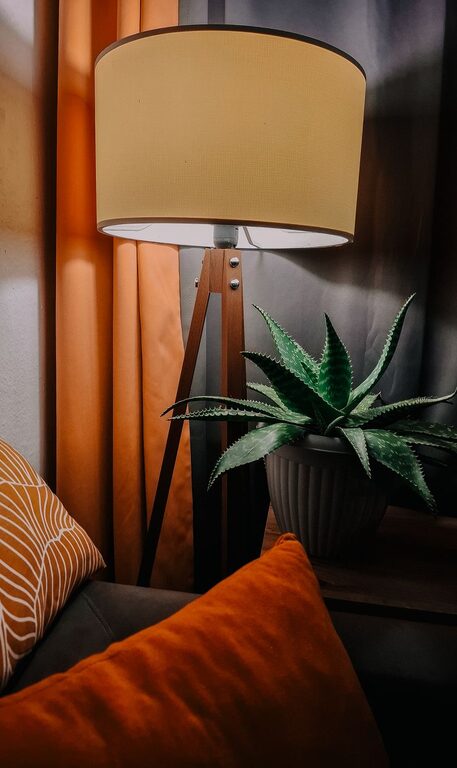
– Use adjustable lamps with warm or daylight bulbs to reduce eye strain.
– Keep the room well-ventilated and set the temperature to a comfortable level, usually between 68–72°F (20–22°C).
6. Incorporate Break Areas
Even in a small space, designate an area for short breaks to recharge.
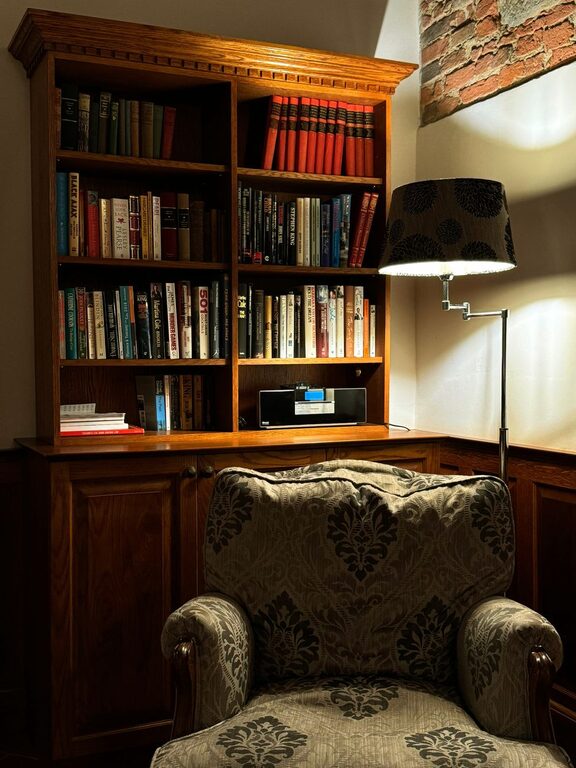
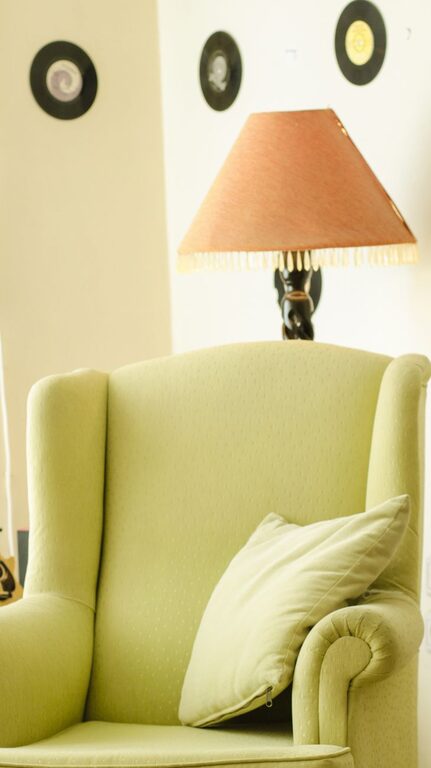
– Place a cozy chair or cushion nearby.
– Use this spot to stretch, meditate, or have a quick snack.
7. Minimize Digital Distractions
Technology is essential but can also be distracting.
– Turn off non-essential notifications during focused work sessions.
– Use productivity apps that block distracting websites.
– Keep your phone out of immediate reach if possible.
8. Establish a Consistent Routine
Structured work hours and rituals can improve productivity and help maintain a healthy work-life balance.
– Set a regular start and end time for your workday.
– Include short breaks every hour to rest your eyes and move around.
– Create a ritual to begin and end your workday, such as a morning stretch or shutting down your computer.
Conclusion
Designing a relaxing and productive home workspace doesn’t require a complete overhaul. Small adjustments, like choosing the right location and lighting, investing in comfortable furniture, and organizing your tools effectively, make a big difference. Personalizing the space and establishing routines further support focus and reduce stress. By following these tips, you can create an environment that fosters both calm and efficiency, making your workdays more enjoyable and productive.